
Comparing AI Tools Made Simple: How FutureStoreAI’s AI Comparison Feature Works
Discover how FutureStoreAI’s AI Comparison feature makes it easier to compare AI tools, pricing, features, pros and cons, and best use cases in one place.
Picking an AI tool should be exciting. In reality, it often means opening multiple tabs, checking different pricing pages, and trying to figure out which product actually fits your needs.
Features blur together. Pricing plans are difficult to compare. And after visiting several landing pages, it can be hard to remember what each tool offers.
FutureStoreAI’s AI Comparison feature is built to make this process easier. It puts the tools you are considering side by side and provides a clear, AI-generated breakdown so you can make a decision in minutes instead of hours.
The Problem with Choosing AI Tools Today
The AI market is moving quickly. New tools launch constantly, and many products offer similar capabilities.
Comparing them manually often means:
Searching separate websites for pricing and plan details
Matching feature lists written in different ways
Reading reviews to understand which tool is best for a particular use case
Switching between multiple tabs and product pages
Spending significant time researching before making a decision
The result is decision fatigue.
A structured side-by-side comparison makes these differences easier to understand.
What Is the AI Comparison Feature?
FutureStoreAI’s AI Comparison feature allows users to select 2 to 5 AI tools and generate an AI-powered comparison.
Each comparison provides:
Features: What each tool offers
Pricing: How pricing and plans differ
Pros and Cons: Key strengths and trade-offs
Best Use Cases: Who each tool is best suited for
AI Comparison at a Glance
Where to find it:
Visit the AI Comparison page at futurestore.ai/compare.
Tools you can compare:
Compare between 2 and 5 AI tools at a time.
What the comparison includes:
Get an AI-generated breakdown of features, pricing, pros and cons, and best use cases.
How to add a tool:
Search for a tool by name and add it to an available comparison slot. You can also use the keyboard shortcut to quickly access search.
Tool not listed:
Use the “Submit Tool” option in the top navigation to suggest a tool that is not currently available.
How the AI Comparison Feature Works
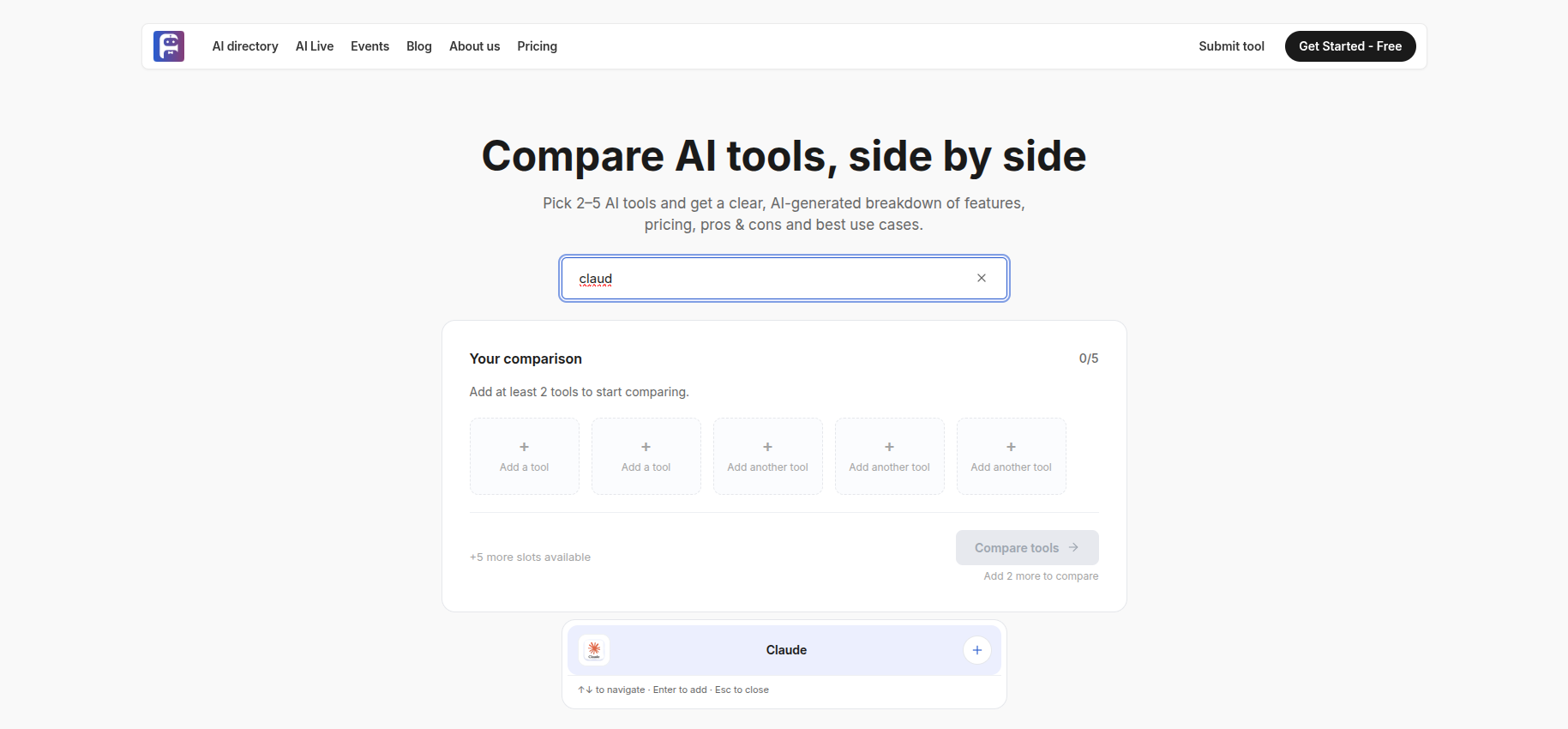
Step 1: Find Your First Tool
Use the search bar in the center of the comparison page and start typing the name of an AI tool.
You can also use the keyboard shortcut to quickly jump to the search bar.
Step 2: Add Tools to Your Comparison
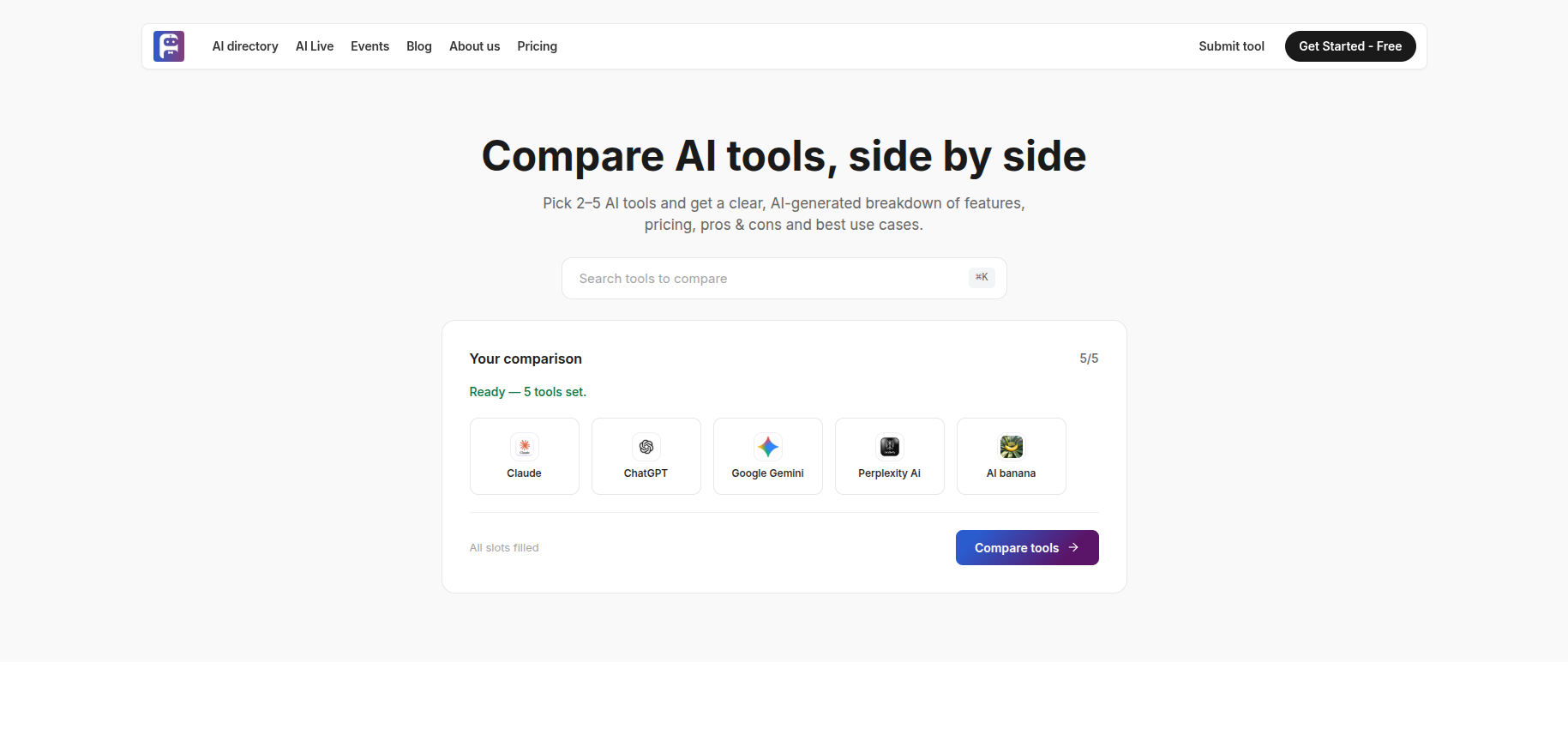
The comparison panel provides five available slots.
Each slot initially displays “Add a tool.” As you select tools, the counter shows how many have been added, such as 2/5 or 3/5.
This makes it easy to see how many tools are currently included and how many more can be added.
Step 3: Start the Comparison
At least two tools are required before a comparison can begin.
The “Compare Tools” button remains disabled until the minimum requirement is met. Once two or more tools have been selected, the comparison can be generated.
Step 4: Explore the AI-Generated Breakdown
Once the comparison is generated, FutureStoreAI presents a structured breakdown of the selected tools.
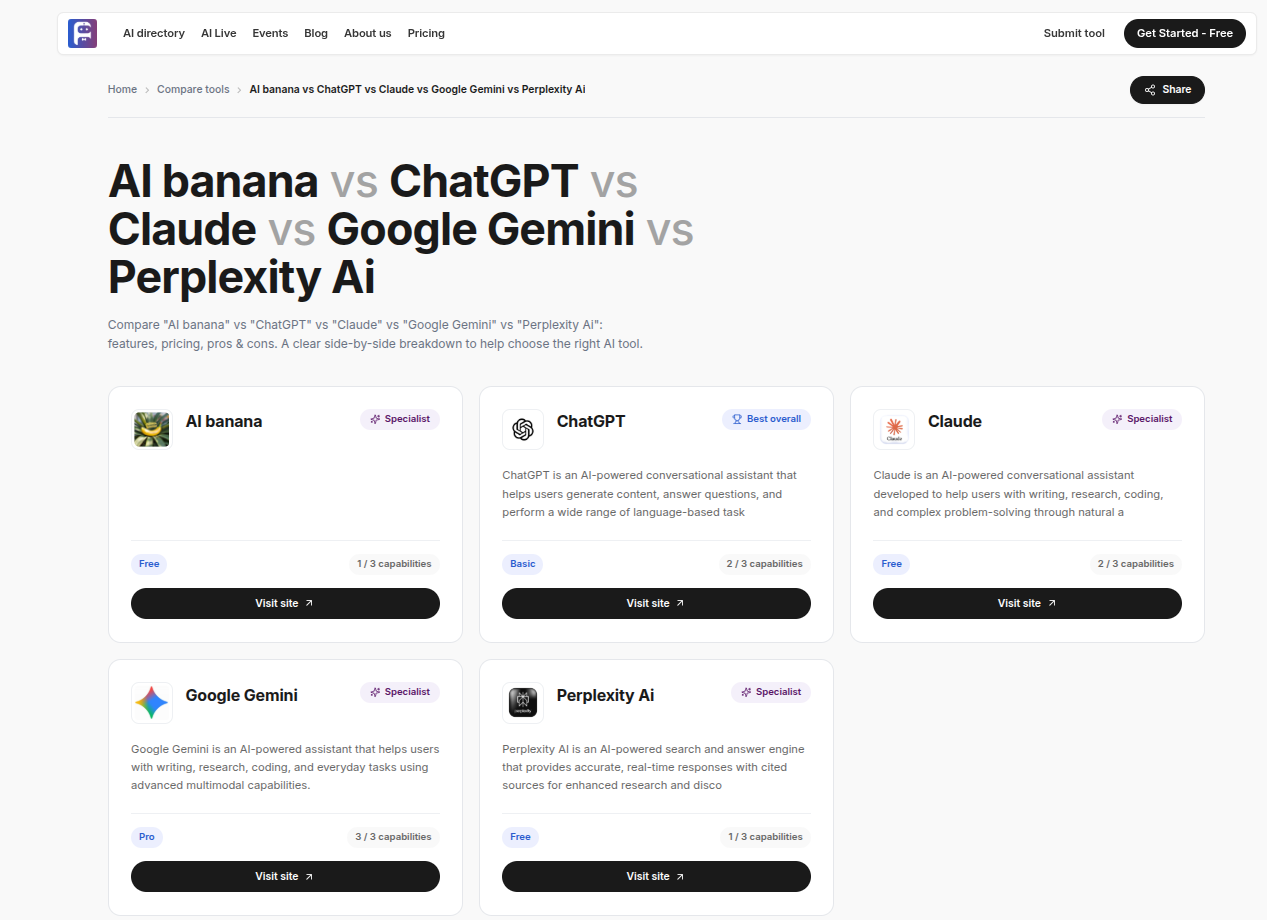
The comparison focuses on:
Features
Pricing
Pros and cons
Best use cases
Starting with the best use cases can help you quickly identify which tool is most relevant to your specific needs.
A Practical Example
Imagine you run a small café and want an AI assistant to answer customer questions across your website and social channels.
You have shortlisted three chatbot tools, but each product describes its capabilities differently.
Instead of visiting three separate websites, you can:
Search for each tool
Add the tools to the comparison panel
Click Compare Tools
Review their features and pricing
Compare their strengths and trade-offs
Identify which tool best fits your business
This is an illustrative example, not a real comparison result.
Tips for Getting the Best Comparison
Compare Similar Tools
Compare products with similar purposes whenever possible. For example, compare multiple writing assistants or video-generation tools rather than unrelated products.
Start with Two or Three Tools
A smaller shortlist makes differences easier to understand. Add more tools when you need a broader comparison.
Identify Your Priority
Decide what matters most before comparing:
Price
Features
Ease of use
Use case
Business requirements
Then focus on those areas first.
Revisit Your Comparison
AI products change frequently. Features, pricing, and plans can change over time, so it is useful to check again before committing to or renewing a subscription.
Who Is the AI Comparison Feature For?
The feature can be useful for:
Founders and small business owners choosing tools within a budget
Marketers and creators comparing writing, design, video, and content tools
Developers and teams evaluating AI products before subscribing
AI enthusiasts who want to understand how popular tools differ
Frequently Asked Questions
How many tools can I compare at once?
You can compare between 2 and 5 AI tools at a time. At least two tools are required to start a comparison.
How do I add a tool to my comparison?
Search for the tool by name using the comparison search bar, then add it to an available comparison slot.
What if the tool I want isn't listed?
Use the “Submit Tool” option in the top navigation to suggest a tool for inclusion.
What does the comparison include?
The AI-generated comparison covers features, pricing, pros and cons, and best use cases.
Final Thoughts
Choosing an AI tool is rarely about finding the single “best” product.
It is about finding the tool that is best for your specific needs, budget, and goals.
FutureStoreAI’s AI Comparison feature brings the key differences together in one place, making it easier to understand the trade-offs and make a more informed decision.
Ready to compare?
Visit futurestore.ai/compare, select at least two tools, and start your comparison.
Recommended for you
.png)
Introducing the New FutureStoreAI Overview: Discover What’s New in Our Latest Video Demo
A quick walkthrough of the latest FutureStoreAI updates, showcasing our searchable tool directory, built-in creation studio, real-time AI market analytics, and new creator feature set.
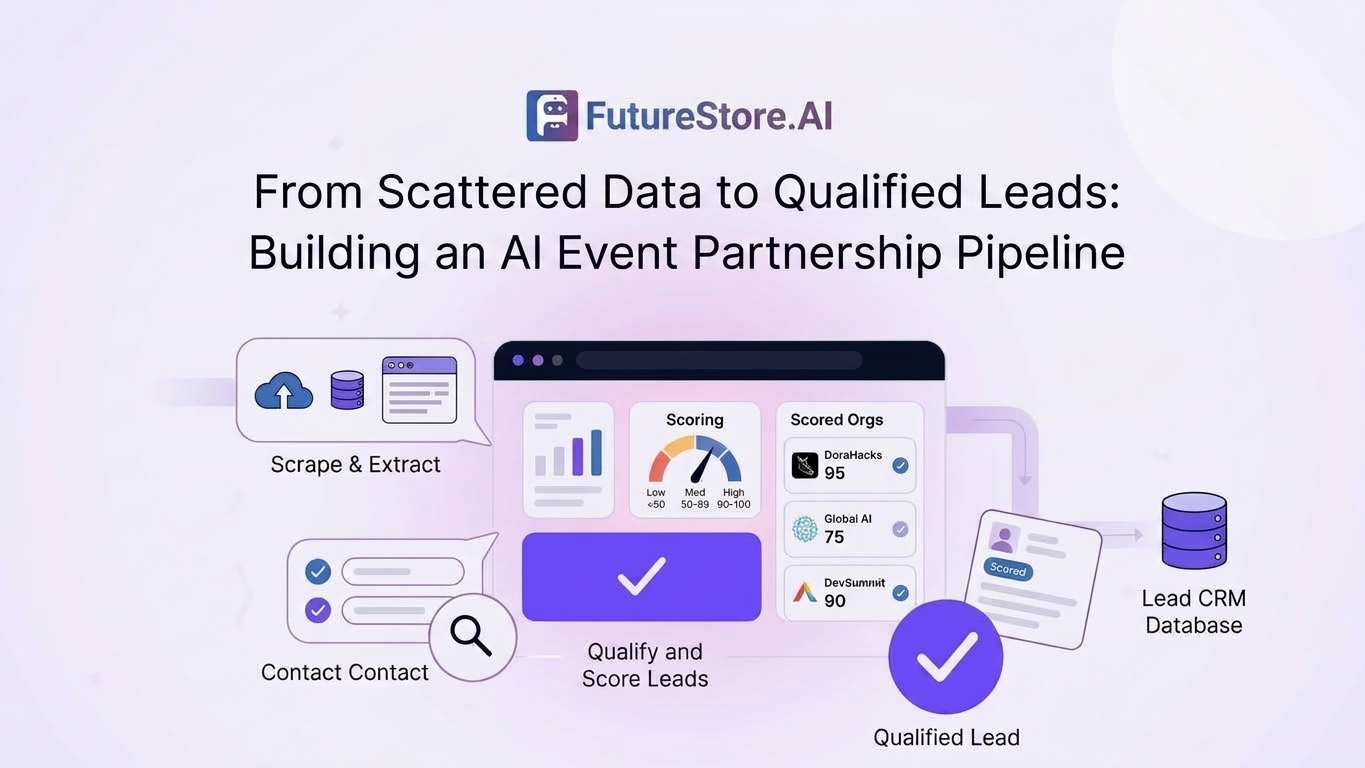
From Scattered Data to Qualified Leads: Building an AI Event Partnership Pipeline
How automated discovery, web scraping, data extraction, qualification, lead scoring, and CSV export turn scattered online information into structured partnership leads.
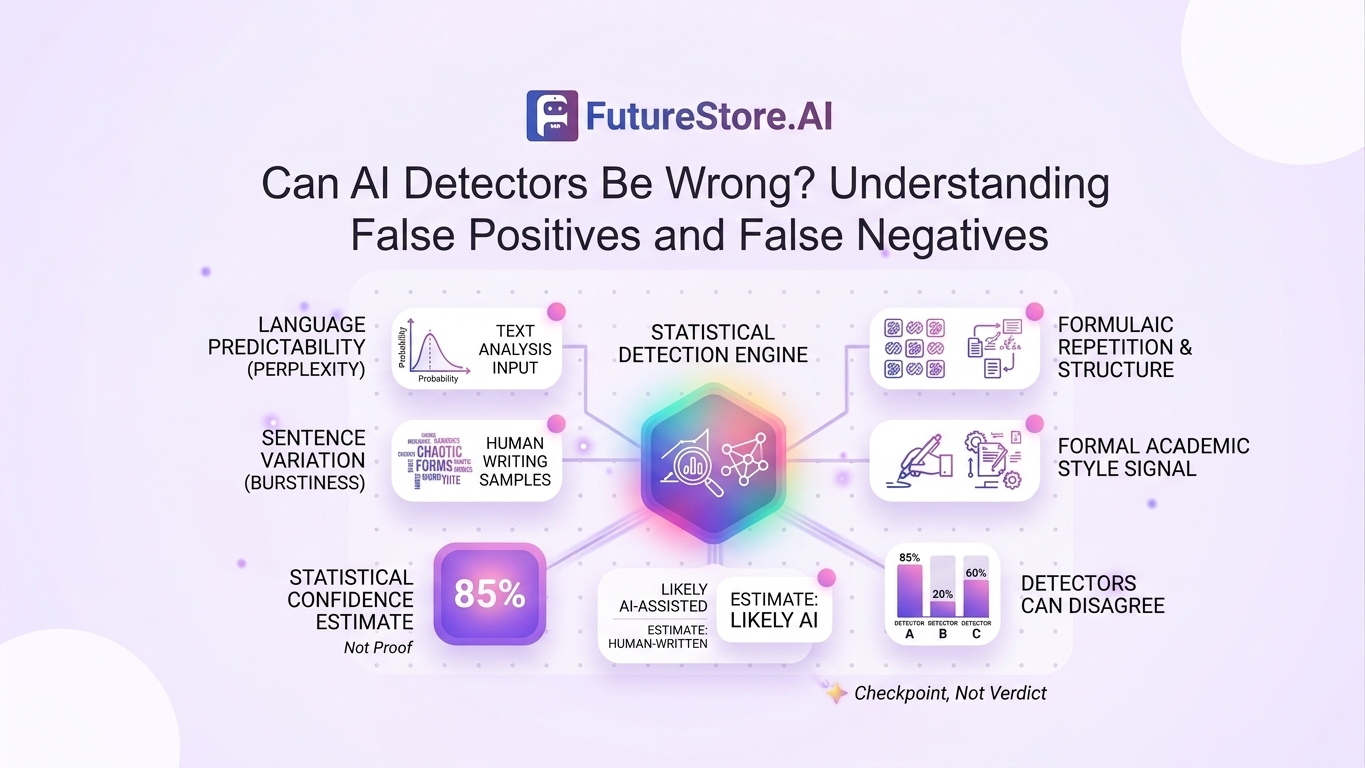
Can AI Detectors Be Wrong? Understanding False Positives and False Negatives
AI detectors can produce both false positives and false negatives. Learn how AI detection works, why results can vary, and why detection scores should be treated as indicators rather than definitive proof of authorship.